Helm Charts Config Mastery - Our New Helm Charts Override Strategy
For Kubernetes deployments, Helm charts have become the de-facto standard for packaging and deploying applications. As our ecosystem of services grows, so does the complexity of managing their configurations. We’ve recently made a significant architectural shift in how we manage Helm chart overrides, moving them from nested within individual charts to a dedicated, higher-level overrides directory. This article explains the “why” behind this change and how it benefits our development workflow.
The Challenge: Nested Overrides and Configuration Sprawl
Previously, our Helm chart repository (labs64.io-helm-charts/) followed a common pattern where third-party chart configurations and our custom overrides were co-located inside the charts/ directory. For example, you might have found overrides for opensearch or opentelemetry within charts/third-party/opensearch/ or charts/third-party/opentelemetry/ respectively.
While seemingly intuitive, this approach introduced several challenges:
- Scattered Configuration: Finding specific overrides meant navigating deep into the
charts/directory, often across various subdirectories for different services. This made it difficult to get a holistic view of all active overrides. - Increased Cognitive Load: Developers had to remember the exact location of each override, leading to more time spent searching than configuring.
- Ambiguity Between Base Charts and Overrides: It could sometimes be unclear whether a file was part of the original upstream chart or a custom override, especially for those less familiar with the repository.
- Version Control Clutter: Our Git history within
charts/became a mix of upstream chart updates and our specific configuration changes, making it harder to track modifications relevant to our internal deployments. - Reusability Hurdles: Sharing common override patterns across different services or environments was cumbersome, often leading to duplication.
The Solution: A Dedicated overrides Directory
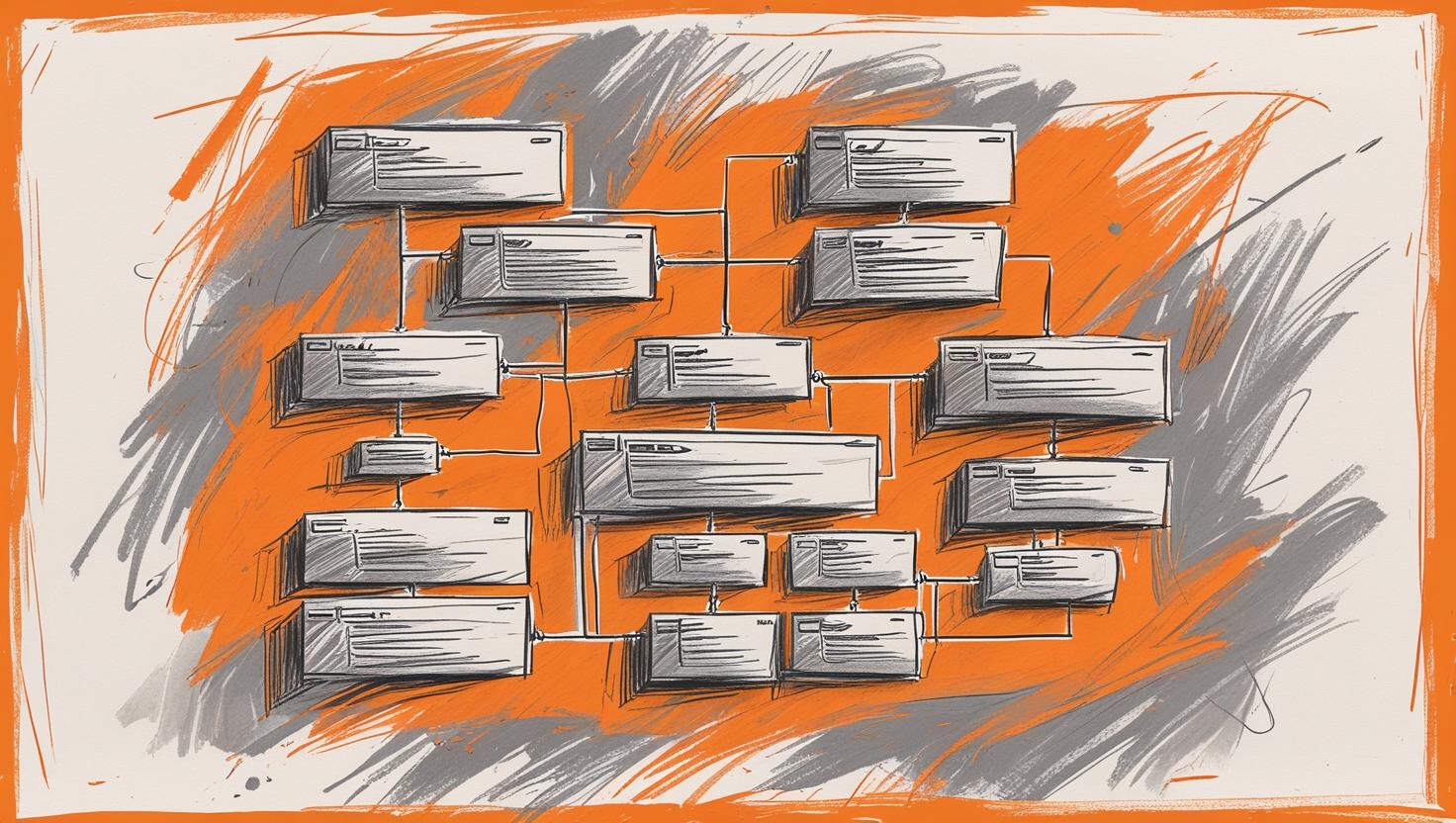
Our new structure introduces a top-level overrides/ directory, now alongside charts/. This overrides directory then mirrors the structure of our core Helm charts, providing a clear and centralized location for all environment-specific and custom configurations.
Let’s look at the new structure (as seen in the provided image):
labs64.io-helm-charts/
├── charts/                # Original Helm charts (third-party and internal)
│   ├── api-gateway/
│   ├── auditflow/
│   ├── <other-modules>/
│   └── third-party/       # OLD: Third-party Helm charts
│       └── ...
└── overrides/             # NEW: Centralized override configurations
    ├── ...
    ├── api-gateway/
    ├── auditflow/
    ├── metrics-server/
    ├── opensearch/
    │   ├── values.local.yaml
    │   ├── values.orig.yaml
    │   ├── values-dashboards.local.yaml
    │   ├── values-dashboards.orig.yaml
    │   ├── values-data-prepper.local.yaml
    │   └── values-data-prepper.orig.yaml
    ├── opentelemetry/
    │   ├── values-collector.local.yaml
    │   ├── values-collector.orig.yaml
    │   ├── values-operator.local.yaml
    │   └── values-operator.orig.yaml
    ├── prometheus/
    ├── rabbitmq/
    └── tempo/
The Benefits: A Dev-Friendly Workflow
This seemingly small change brings significant advantages to our development and operations teams:
- Centralized Visibility: All overrides, whether for internal services or third-party components, are now located in one logical place. This makes it incredibly easy to see and manage all custom configurations at a glance.
- Clear Separation of Concerns: The
charts/directory now strictly contains the base Labs64.IO Helm charts, whileoverrides/holds all our specific customizations. This separation greatly improves clarity and reduces confusion. - Simplified Navigation: Developers know exactly where to go to find or modify any override. No more deep dives into multiple subdirectories.
- Improved Git Hygiene: Our version control system will now show a cleaner history for base charts (reflecting upstream updates) and a distinct history for our overrides, making it easier to track and audit changes.
- Enhanced Reusability and Standardization: With overrides in a dedicated location, it becomes simpler to define and enforce standard override patterns, promoting consistency across our deployments. We can more easily develop tooling or scripts that interact specifically with our override files.
- Better Onboarding Experience: New team members can quickly grasp our configuration strategy by understanding the distinct roles of
charts/andoverrides/.
What This Means for You
As developers, you’ll primarily interact with the overrides/ directory when you need to adjust configurations for our deployed applications. The files within overrides/ are designed to be intuitive: values.local.yaml (for local development or specific environments), values.orig.yaml (a copy of the upstream default or a reference), and more specific files like values-dashboards.local.yaml for component-specific overrides.
This move is a step towards a more organized, efficient, and developer-friendly Kubernetes configuration management system. By providing a clear and centralized location for Labs64.IO Helm chart overrides, we empower our teams to deploy and manage applications with greater confidence and less friction.
Image Credits: Labs64.IO
Related Posts